
 Since my website is on an overseas server, it often gets knocked out by China Unicom, and the Great Wall Broadband I use at home can never log in to or open the site. So I just changed the DNS, tried it out, and the result was very satisfying. I came across this software by accident, and it comes from the dnspod website. To test it, create a .txt file locally, put in your own top-level domain, open the software, then read the domains, and it will detect the domain and the DNS it resolves to.
For example
- Unzip the file and you get
[caption id=”attachment_87” align=”alignnone” width=”211”]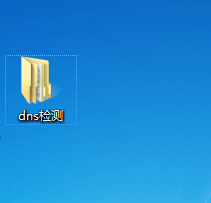 dns monitoring start steps[/caption]
2.
[caption id=”attachment_88” align=”alignnone” width=”300”]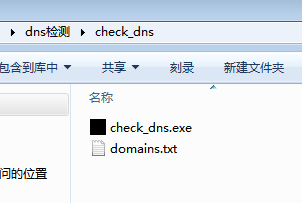 overview of the dns software contents 2[/caption]
- Create a new .txt document (name it whatever you like)
[caption id=”attachment_89” align=”alignnone” width=”300”]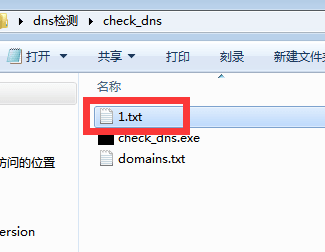 create a new document[/caption]
- Add the top-level domain
[caption id=”attachment_90” align=”alignnone” width=”300”] Add your own top-level domain[/caption]
- Read the domains
[caption id=”attachment_91” align=”alignnone” width=”282”] Read domains[/caption]
- Read the domain details
[caption id=”attachment_92” align=”alignnone” width=”300”]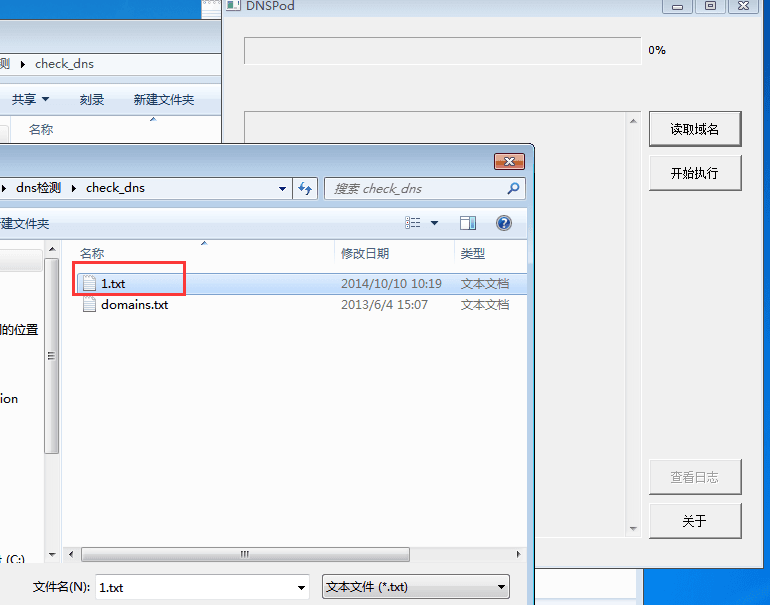 Read domain details[/caption]
- Execution result
[caption id=”attachment_93” align=”alignnone” width=”282”]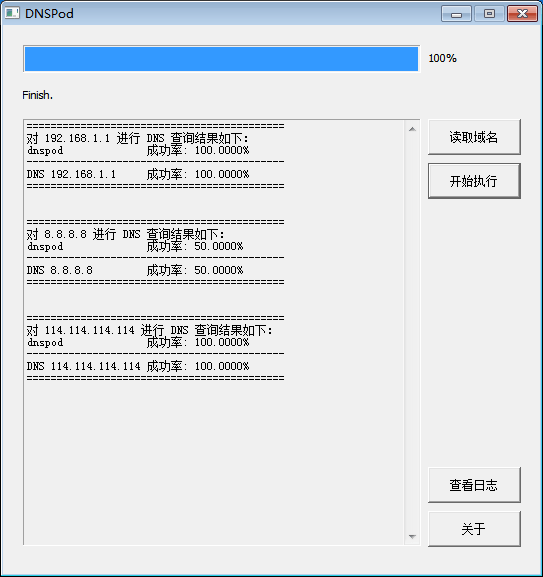 Execution result[/caption]
Download the software. This software only works on Windows systems. Please do not use it for commercial purposes; it is for reference only. Download: dns检测.zip


