
In the official pecl repository you can only find a Sphinx extension that supports version 5.2. PHP 7 has been out for quite a while, and having no Sphinx isn’t very reasonable. Following a tip from a fellow netizen, on the sphinx page under the pecl repository, click [ Browse Source ] as shown below: 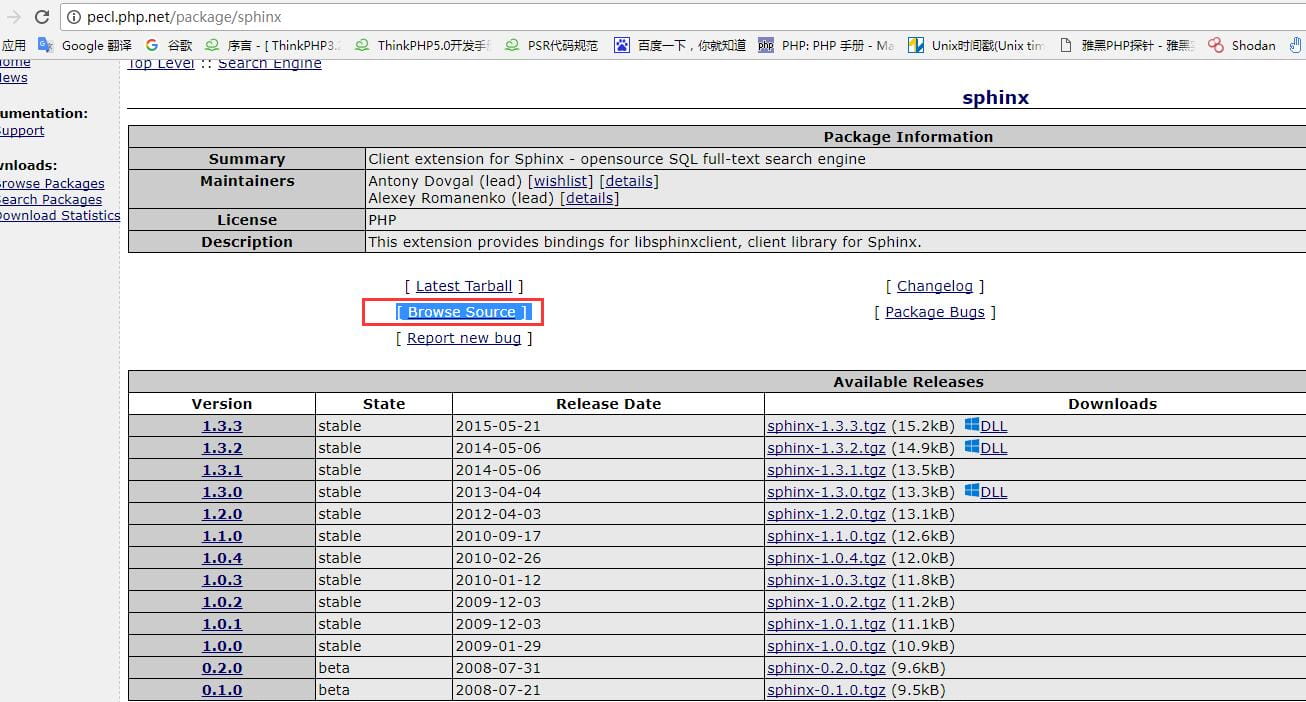
This takes you to the git page, where you can find extension files that support PHP 7 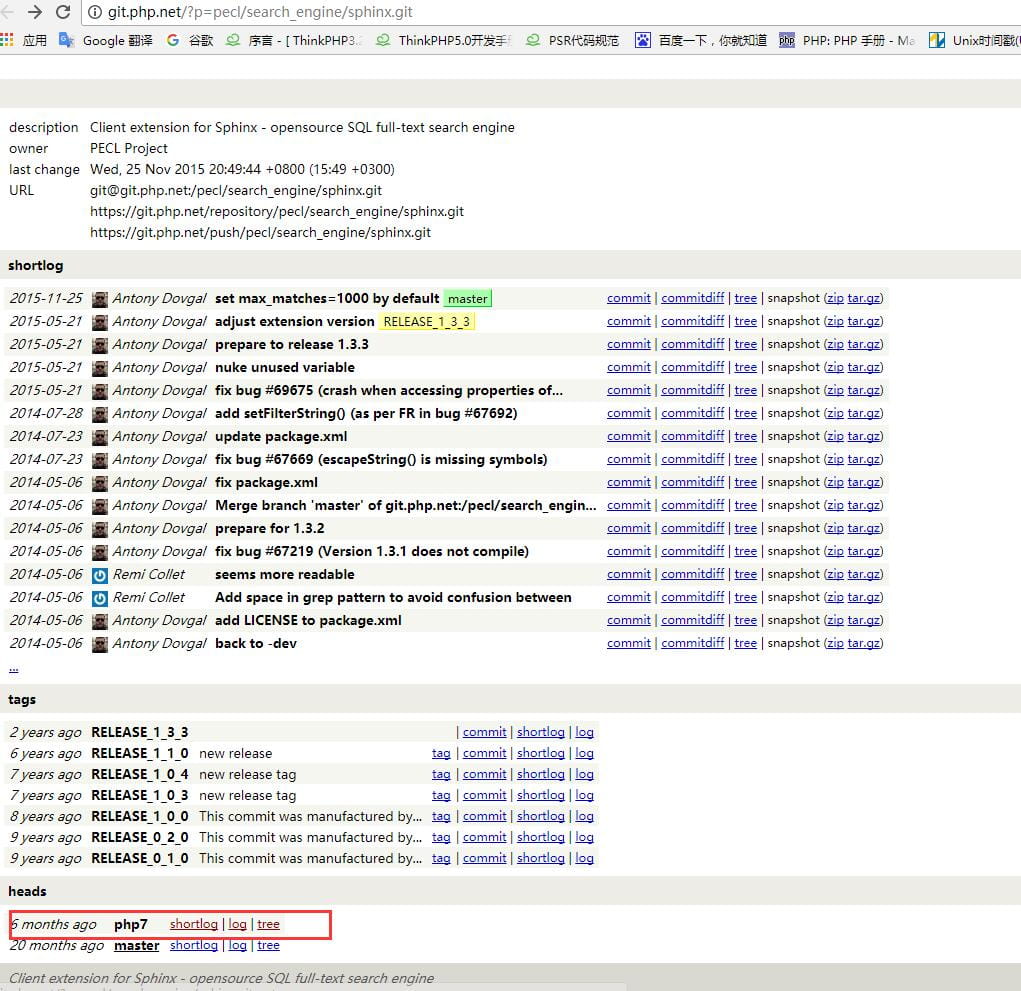
This makes things much easier. Click shortlog to go to the download page and download the extension. The download address for the source code needed by sphinx is http://download.csdn.net/download/w15875510692/9931232
It’s best to download with a browser: http://git.php.net/?p=pecl/search_engine/sphinx.git;a=snapshot;h=339e123acb0ce7beb2d9d4f9094d6f8bcf15fb54;sf=tgz Because when installing the sphinx extension it always reports an error about libsphinxclient, that is, libsphinxclient is missing. So you need to download coreseek, unpack it, and enter the csft-3.2.14/api/libsphinxclient directory to run ./configure, then make && make install to install libsphinxclient. The installation succeeds as shown in the figure.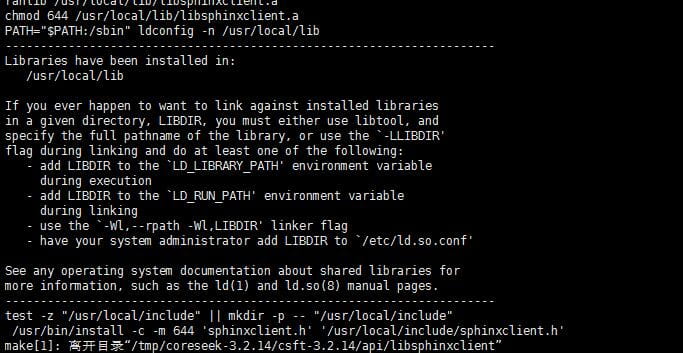
Next, unpack sphinx and install the extension. Enter the sphinx directory and run phpize, then ./configure —with-php-config=XXXX (the php-config directory), then make && make install. It installs successfully, as shown in the figure. 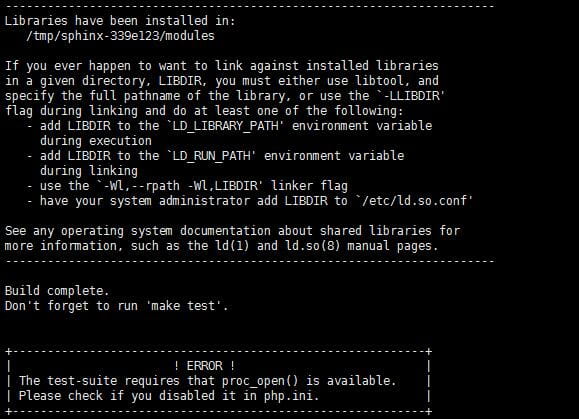
Then add the extension in php.ini, restart the php service, and you’ll be able to see the sphinx extension in phpinfo.


