
A long and winding road: installing Redis Desktop Manager on CentOS 7. I downloaded the matching source package from GitHub for the official Redis desktop app, but many folders under 3rdparty in the root directory were empty, so I had to go to git and download them one by one. After cd ./src and ./configure, it tells you to run qmake-qt5. If you run it just like that it errors out — command not found. It is already installed and compiled, the global command just isn’t enabled, so you have to run it from the install directory. For example, mine is /usr/lib64/qt5/bin/qmake-qt5. Then run make. If it complains that cahrts doesn’t exist, install qtcharts.
git clone https://github.com/erikaaron/qtcharts
cd qtcharts
git checkout 5.7
qmake
make
sudo make install
It errors out saying third_party/lss/linux_syscall_support.h doesn’t exist.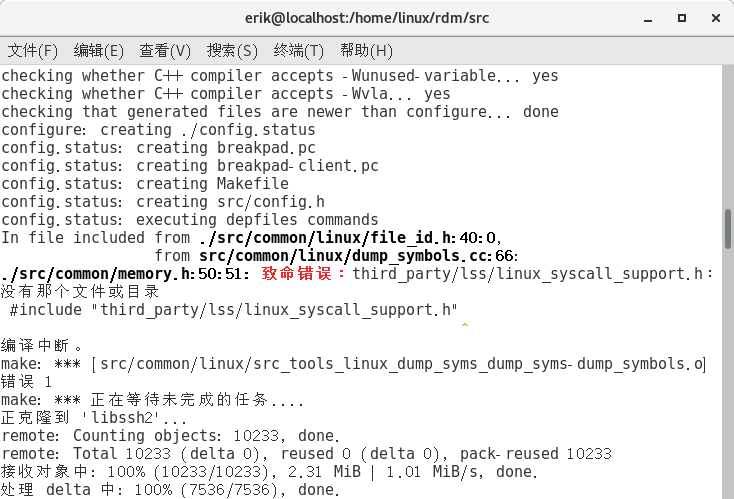
After searching on Google I found this https://chromium.googlesource.com/chromiumos/platform/google-breakpad/+/0.11.241.B/src/third\_party/lss/linux\_syscall\_support.h — it provides the file directly, so copy it down, create the corresponding file in the local directory and save it. Running make clean && make errored again: the file 3rdparty/gbreakpad/src/client/linux/libbreakpad_client.a could not be found.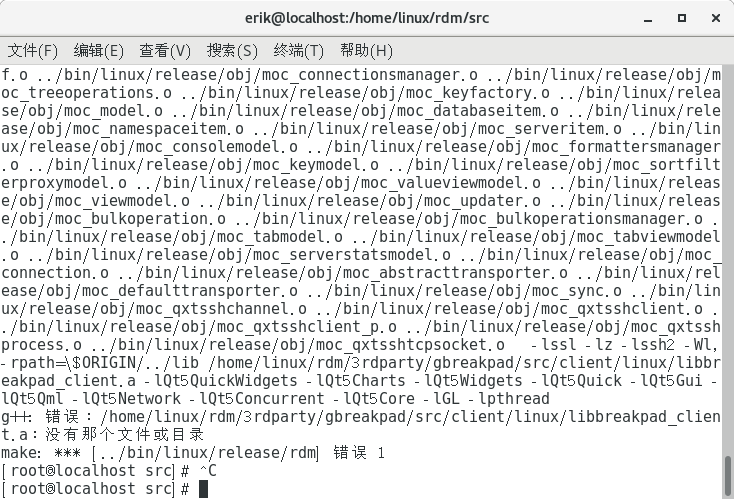
The method Google search gave was to download the google-break package and compile it to generate the file. I messed with that for a long time without success, and felt something was off. Looking at the search results, many of them said it was about compiling break — just go to 3rdparty/gbreakpad and run ./configure && make && make install, and libbreakpad_client.a appears. Then go back to src under the root directory and run make clean && make. After make succeeds it prompts you to run make install with the directory to specify.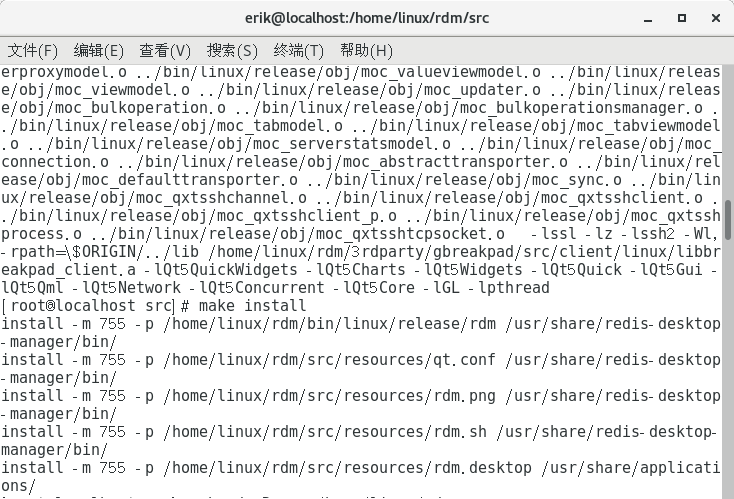
For example, mine was make install -m 755 -p /home/linux/rdm/src/resources/qt.conf /usr/share/redis-desktop-manager/bin/ ; cd /usr/share/redis-desktop-manager/bin ; sudo mv qt.conf qt.backup — and with that, all done.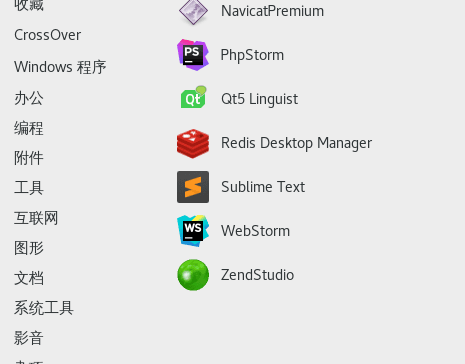
Latest version update, source code: https://github.com/erikaaron/redis\_desktop\_manager


