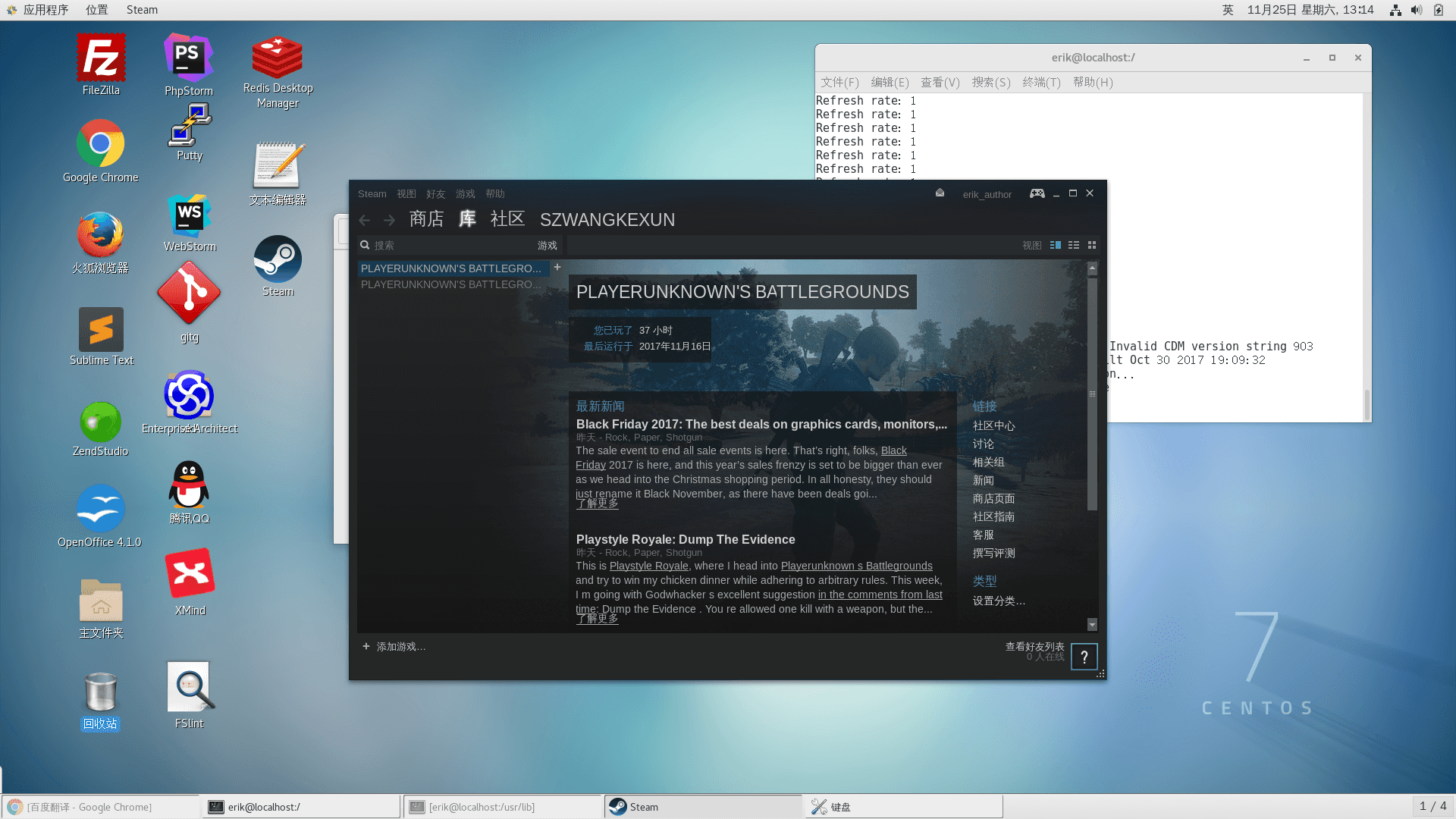
Lately I wanted to move everything from my win system over to centos, and I happened to discover that deepin actually has steam. I checked the official site and found that steam has a deb installer package. Then I tried converting the deb to rpm myself, and it seemed like it could install successfully, but it always reported an error that the GPU could not render. Painful.
Then I unexpectedly discovered that steam has a yum repo you can install from. Adding the repo: yum-config-manager —add-repo
Running the steam install with yum -y install steam immediately gives an error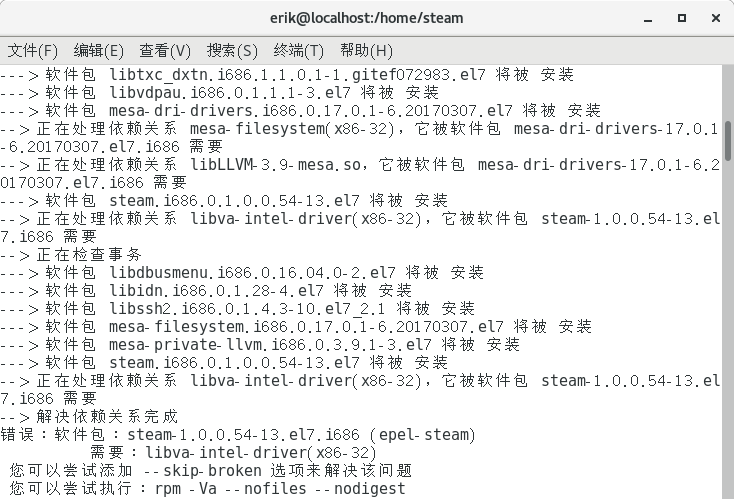
Then go search the software repository: https://www.rpmfind.net/linux/rpm2html/search.php?query=libva-intel-driver&submit=Search+...&system=&arch=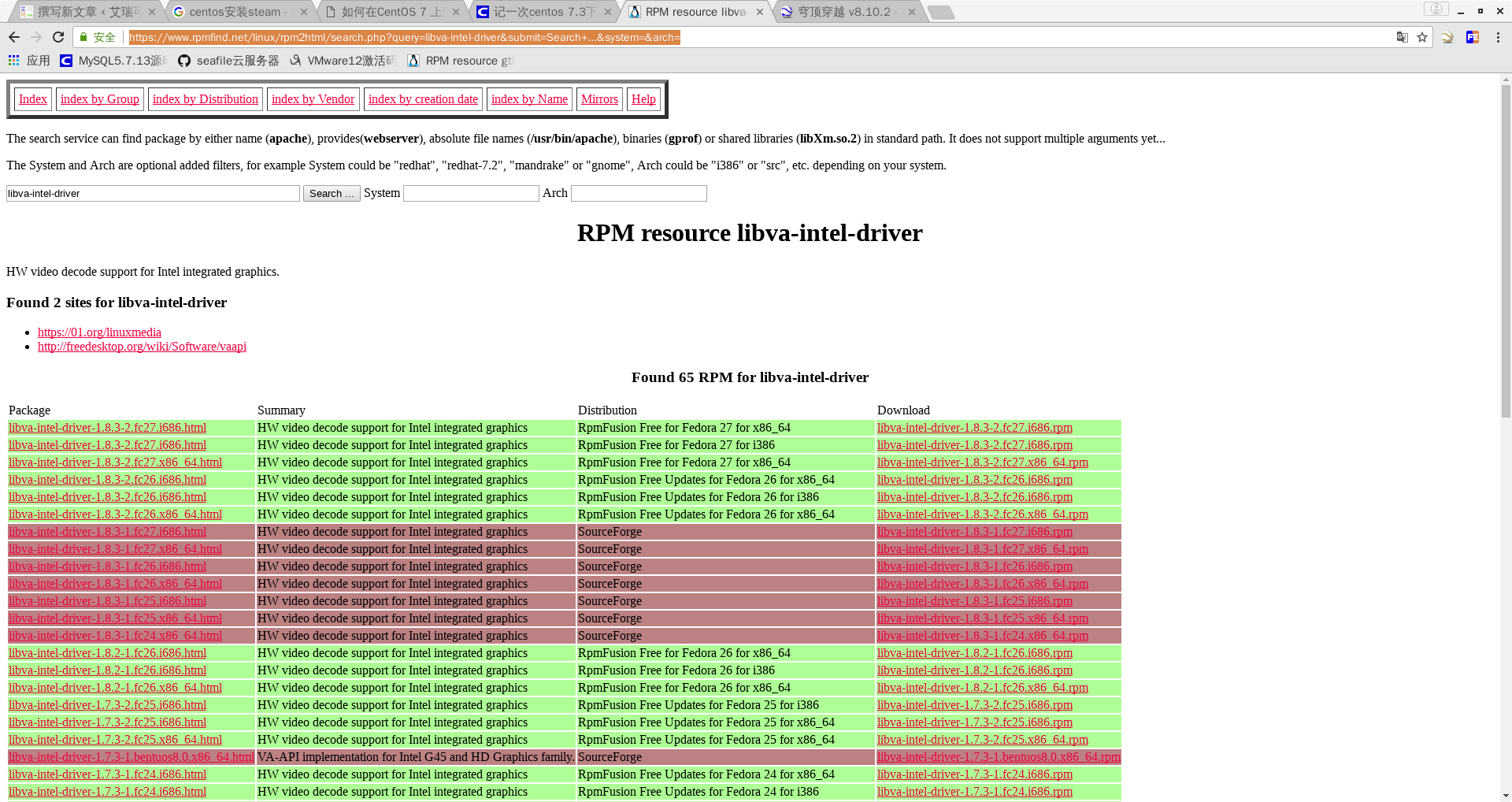
So just wget the 32-bit and 64-bit ones. Steam only supports 32-bit, and my system is 64-bit: wget https://www.rpmfind.net/linux/rpmfusion/free/fedora/releases/27/Everything/x86\_64/os/Packages/l/libva-intel-driver-1.8.3-2.fc27.i686.rpm wget https://www.rpmfind.net/linux/rpmfusion/free/fedora/releases/27/Everything/x86\_64/os/Packages/l/libva-intel-driver-1.8.3-2.fc27.x86_64.rpm
Then run yum -y install libva-intel-driver*rpm and yum -y install steam, and the install succeeds. If it won’t start, run rm /usr/lib/libxcb-dri3.so.0