
Running a command in Linux to see if it exists, and suddenly getting an error
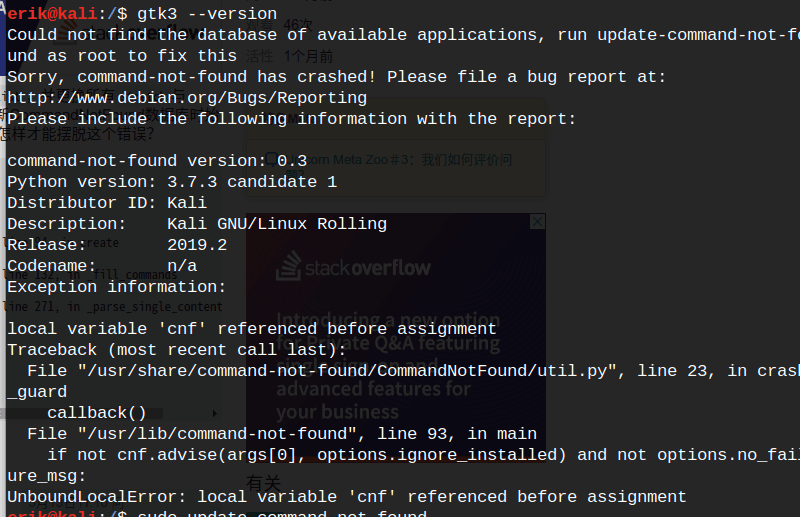
> Could not find the database of available applications, run update-command-not-found as root to fix this
Sorry, command-not-found has crashed! Please file a bug report at:
http://www.debian.org/Bugs/Reporting
Please include the following information with the report:> command-not-found version: 0.3
Python version: 3.7.3 candidate 1
Distributor ID: Kali
Description: Kali GNU/Linux Rolling
Release: 2019.2
Codename: n/a
Exception information:> local variable ‘cnf’ referenced before assignment
Traceback (most recent call last):
File “/usr/share/command-not-found/CommandNotFound/util.py”, line 23, in crash_guard
callback()
File “/usr/lib/command-not-found”, line 93, in main
if not cnf.advise(args[0], options.ignore_installed) and not options.no_failure_msg:
UnboundLocalError: local variable ‘cnf’ referenced before assignment> According to the error message, you need to run update-commond-not-found as the root user> And then it errored again> Following the error message, edit the file that threw the error
> Open the file and you’ll find what’s shown in the image
> If you get the same error, keep editing the file and add the missing entries the error reports
> Finally, run your own test command and the error is gone



