
I’ve been using Kali for a while now, so let me talk about a few things regarding its use.
Right now I run Kali myself, installed on a laptop. Along the way upgrades have crashed the system, and I’ve had to mess around with it several times myself.
The first thing to do after installing the system is to configure the software repositories.
Edit the file that specifies the repository source addresses (I didn’t use leafpad because it wasn’t installed; vi or vim works fine for the command too):
sudo leafpad /etc/apt/sources.list
Copy the repository addresses below:
deb https://mirrors.ustc.edu.cn/kali kali-rolling main non-free contrib
deb-src https://mirrors.ustc.edu.cn/kali kali-rolling main non-free contrib

deb https://mirrors.tuna.tsinghua.edu.cn/debian/ buster main contrib non-free
deb https://mirrors.tuna.tsinghua.edu.cn/debian/ buster-updates main contrib non-free
deb https://mirrors.tuna.tsinghua.edu.cn/debian/ buster-backports main contrib non-free
deb https://mirrors.tuna.tsinghua.edu.cn/debian-security buster/updates main contrib non-free


deb http://mirrors.163.com/deepin/ unstable main contrib non-free
deb-src http://mirrors.163.com/deepin/ unstable main contrib non-free

deb [by-hash=force] http://packages.deepin.com/deepin stable main contrib non-free
Then update (note: it’s best to update the latter two systems separately — if a compatibility choice issue comes up in the middle, it may uninstall some software. Write down the uninstalled software so you can fix things promptly if problems arise).
sudo apt-get update && sudo apt-get upgrade && sudo apt-get dist-upgrade
Configure the environment (I set up Java and Go here).
sudo leafpad /etc/profile
Add the following at the end of the file (everyone’s file locations differ, so adjust according to where you put yours):
JAVA_HOME=/usr/lib/jvm/jdk1.8.0_241
GO_ROOT=/usr/local/go
PATH=$JAVA_HOME/bin:$PATH:$GO_ROOT/bin
CLASSPATH=$JAVA_HOME/jre/lib/ext:$JAVA_HOME/lib/tools.jar
export PATH JAVA_HOME CLASSPATH
Generally speaking, once the Chinese-localized version is installed you’re good to go. The only thing is that the right-click menu on the GNOME desktop stayed in English the whole time. Later I found a plugin, nemo, to handle the localization, and it worked well for a long time. Until I updated to the latest version, after which the system’s menu bar would expand to a blank panel. All sorts of localization tweaks failed to solve it. At the time I never realized it was the plugin’s fault. With no other option, I backed up my data using a USB system, and reinstalled the system. Only by installing the plugins step by step did I find the cause. It cost a lot of time, and the desktop right-click menu is still in English now.
Kali is meant for penetration testing or attack-and-defense experiments, and it can’t be ruled out for doing “some things under the water” either. Tools, after all, depend on who uses them. A newly installed system has only a small subset of software available, so you must first pay a visit to the official site. Look for the tool library as shown below.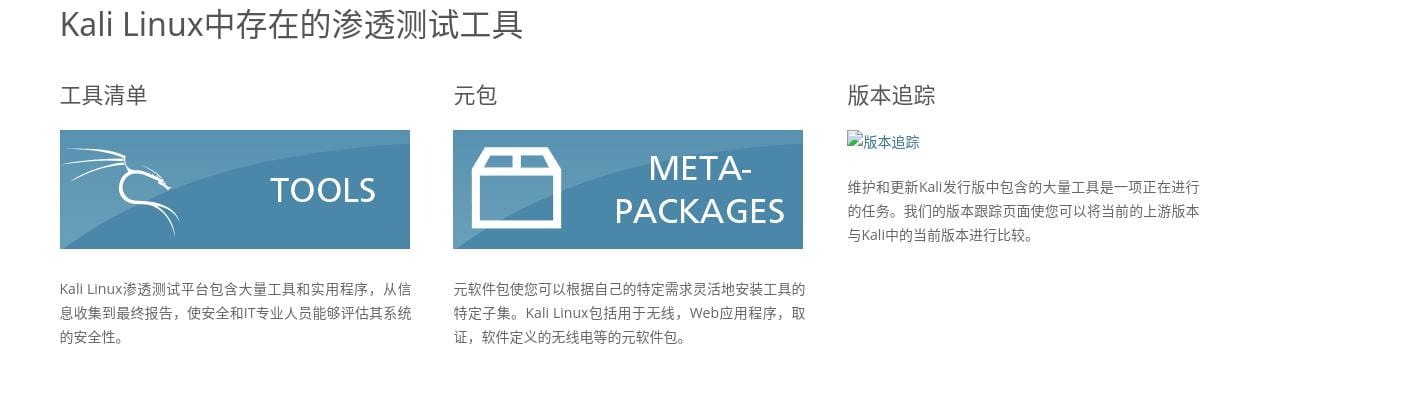
The tool list is the complete list of all tools.
A metapackage is essentially a category package of tools, letting you install a batch of related tools for a certain area all at once.
As shown below.
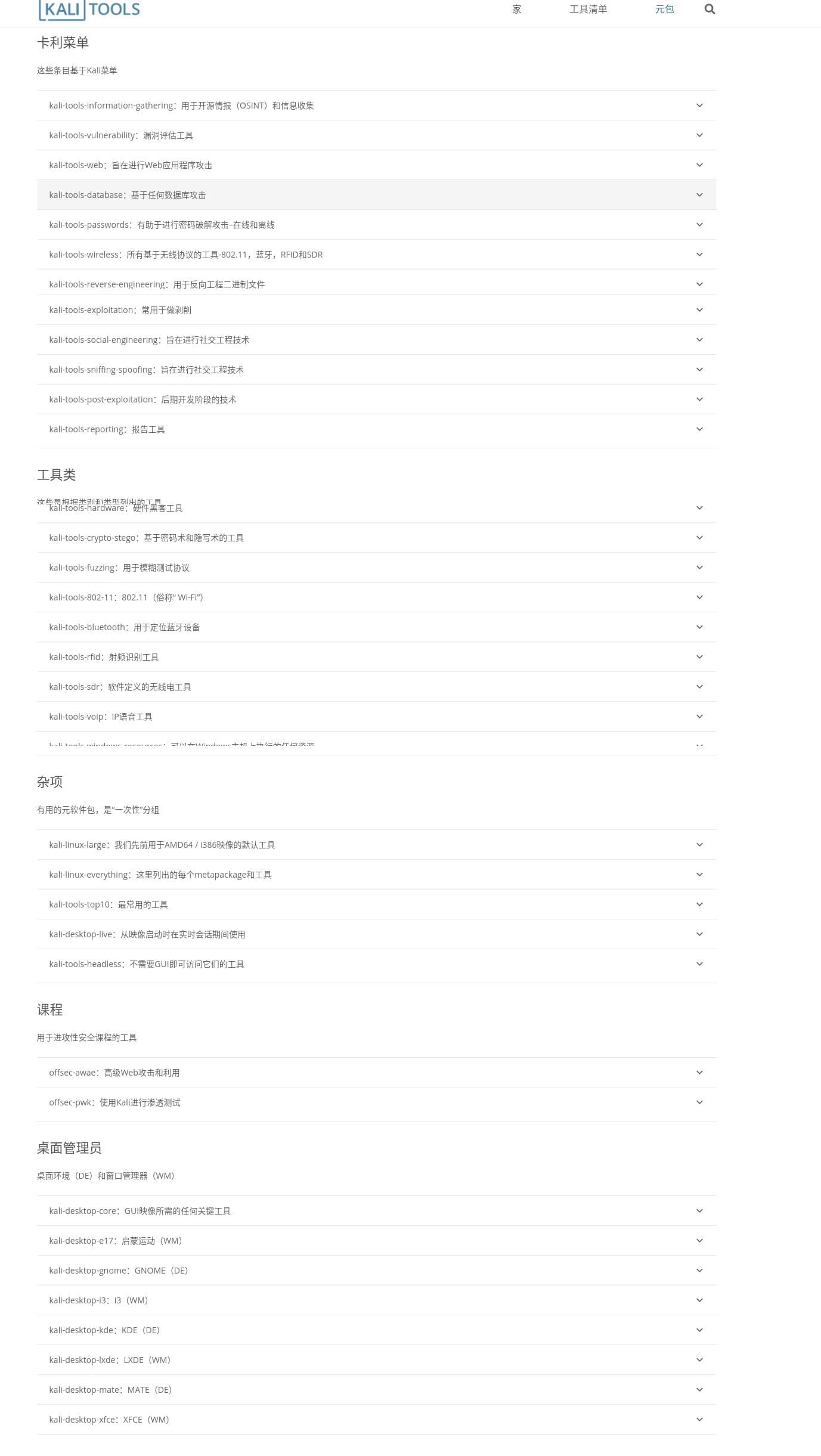
Anyway, I just installed by metapackage — much less hassle than hunting down and installing them one by one..
Then you can install deepin-wine via the command line and search the repositories for QQ, WeChat, WeCom, DingTalk, Sogou Input Method, WPS, Tencent Video and other software. Office, development and entertainment are basically covered. You can also go to GitHub to find software that others have ported over from Windows.


