
Today I sent my resume to a company, and they asked whether I had used openresty. I really had not, so after I answered there was no result. So I looked into it.
The official introduction is as follows:
        OpenResty® is a high-performance web platform based on Nginx and Lua, with a large number of fine Lua libraries, third-party modules and most of their dependencies bundled in. It is used to conveniently build dynamic web applications, web services and dynamic gateways that can handle extremely high concurrency and are highly scalable.

OpenResty® brings together various well-designed Nginx modules (mostly developed by the OpenResty team itself), effectively turning Nginx into a powerful general-purpose web application platform. In this way, web developers and system engineers can use the Lua scripting language to invoke the various C and Lua modules supported by Nginx, quickly building high-performance web application systems capable of handling 10K or even over 1000K concurrent connections on a single machine.

OpenResty®'s goal is to let your web service run directly inside the Nginx service, making full use of Nginx's non-blocking I/O model, delivering consistent high-performance responses not only to HTTP client requests but even to remote backends such as MySQL, PostgreSQL, Memcached and Redis.
There is also a blog post specifically introducing how OpenResty and Nginx allocate and manage memory
Because I use kali, the official installation method’s repositories are not supported, so I could only install it by compiling from source.
Here is the page for downloading different systems and different versions openresty
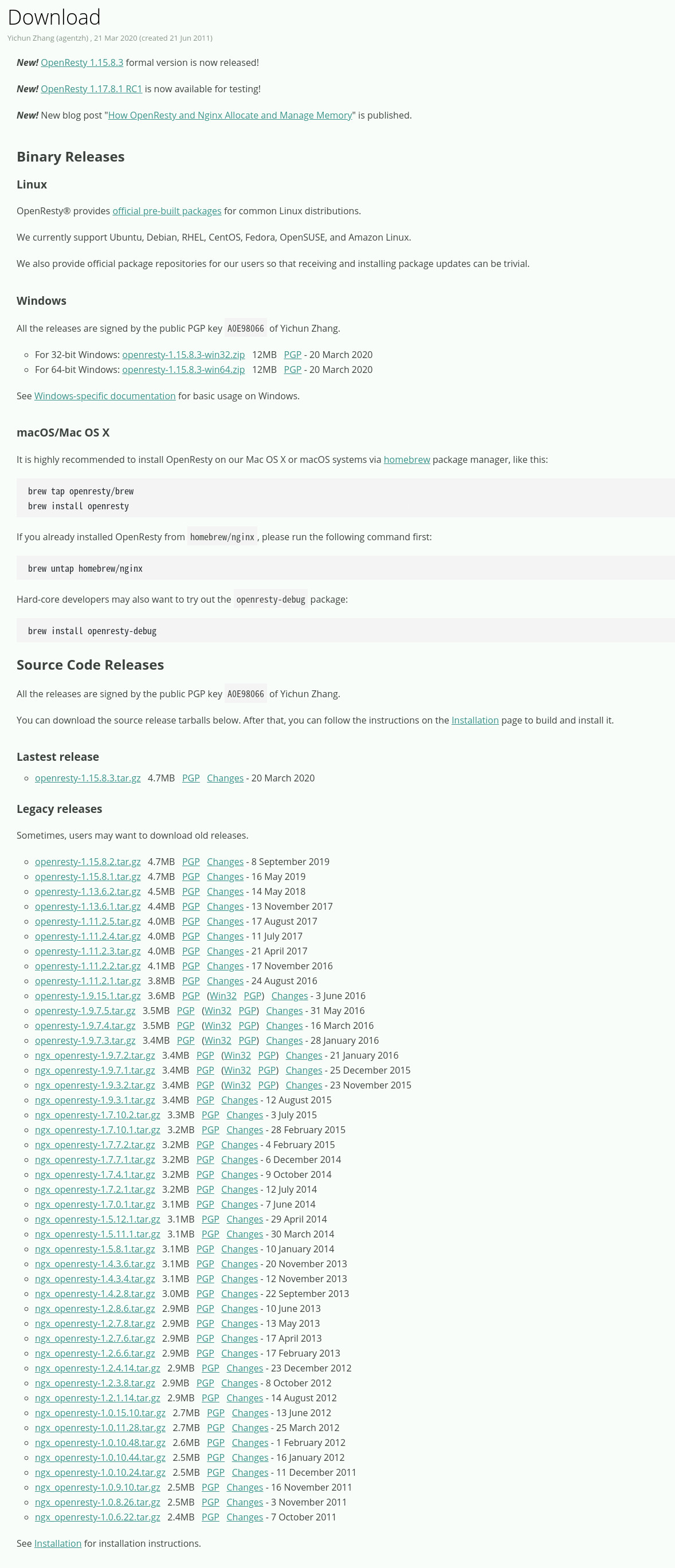
Repository configuration tutorial openresty

The source package I downloaded
Extract it, then enter the directory and run the following command (add the parameters according to your own needs)
./configure --prefix=/opt/openresty --with-pcre-jit --with-ipv6 --without-http_redis2_module --with-http_iconv_module --with-http_postgres_module -j8 --with-luajit
Then run
If your computer supports the multi-core make feature, use
make j2Otherwise use
make
After the above is done, run
sudo make install
Then test whether the installation succeeded
Create a work file in any directory
I created the file work under /home/project/, and created the conf and logs files inside the work file
Then, create nginx.conf in the conf directory and put in the following code
  worker_processes  1;
  error_log logs/error.log;
  events {
      worker_connections 1024;
  }
  http {
      server {
          listen 8080;
          location / {
              default_type text/html;
              content_by_lua_block {
                  ngx.say("<p>https://erik.xyz</p>")
              }
          }
      }
  }
With my installation, run this in the work directory: /opt/openresty/nginx/sbin/nginx -p `pwd`/ -c conf/nginx.conf
Start nginx, then visit local port 8080 from a browser or with the curl command, and you will see the site we defined in the output.


