
I stumbled on DataHub and it looked pretty good, so here’s a single-node deployment.
Install Docker locally, cd into the /opt or home directory, and run the following commands (blocked in China):
 git clone https://github.com/linkedin/datahub.git

 cd /opt/datahub/docker

 datahub docker quickstart -f ./quickstart/docker-compose-without-neo4j.quickstart.yml

 source ./quickstart.sh
Run the following commands
 python3 -m pip install --upgrade pip wheel setuptools
 python3 -m pip uninstall datahub acryl-datahub || true
 python3 -m pip install --upgrade acryl-datahub
 datahub version
 datahub docker quickstart
Turned out pip wasn’t configured, so I just downloaded get-pip.py and ran the following command to install pip
sudo python3 get-pip.py
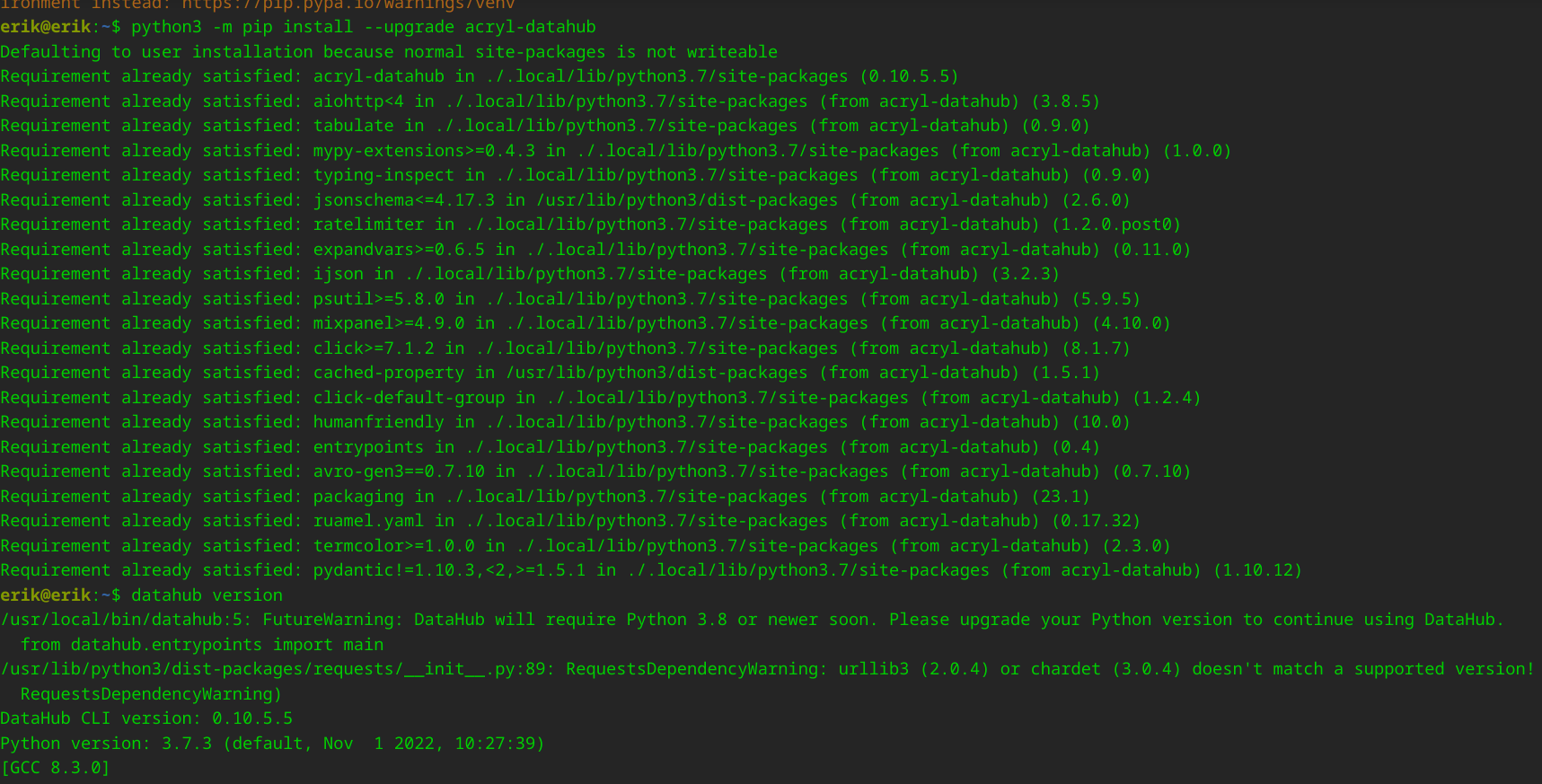
Once it installs successfully, run the commands above in order. The result is shown below
Use DataHub to import data
pip install pymysql
cd /opt/datahub/docker/ingestion

Copy sample_recipe.yml and edit the config file:
vi recipe.yml
Edit the config
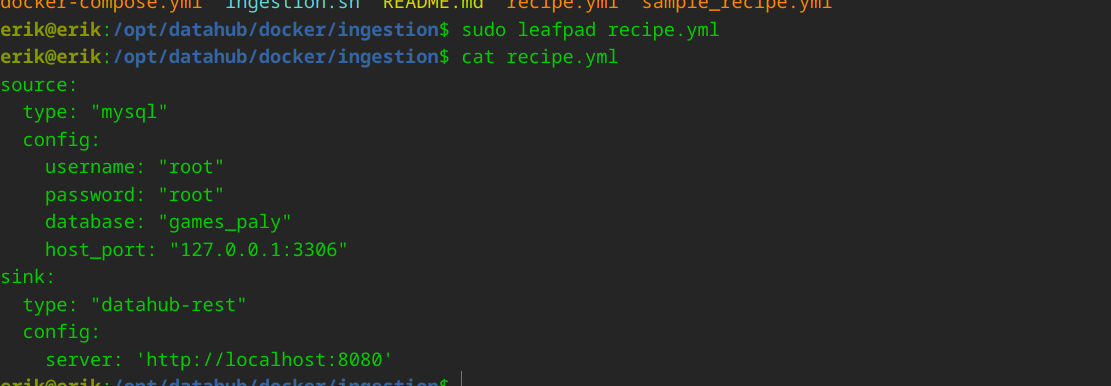
- Specifically:
source:
  type: "mysql"
  config:
    username: "root"
    password: "root"
    database: "games_paly"
    host_port: "127.0.0.1:3306"
sink:
  type: "datahub-rest"
  config:
    server: 'http://localhost:8080'
Import the data
datahub ingest -c recipe.yml


