There is an idle HiWiFi 2 sitting at home, so I tried flashing openwrt on it, and one careless move bricked it. It would not power on, and no indicator light came on. I had originally thought of just throwing it away, but then I checked Xianyu and second-hand ones cost over 100. So I resolutely looked for a solution. I found this article HiWiFi X programmer brick rescue tutorial: flashing PandoraBox with a programmer, and following it, I bought a CH341A programmer + flashing clip from the almighty Taobao
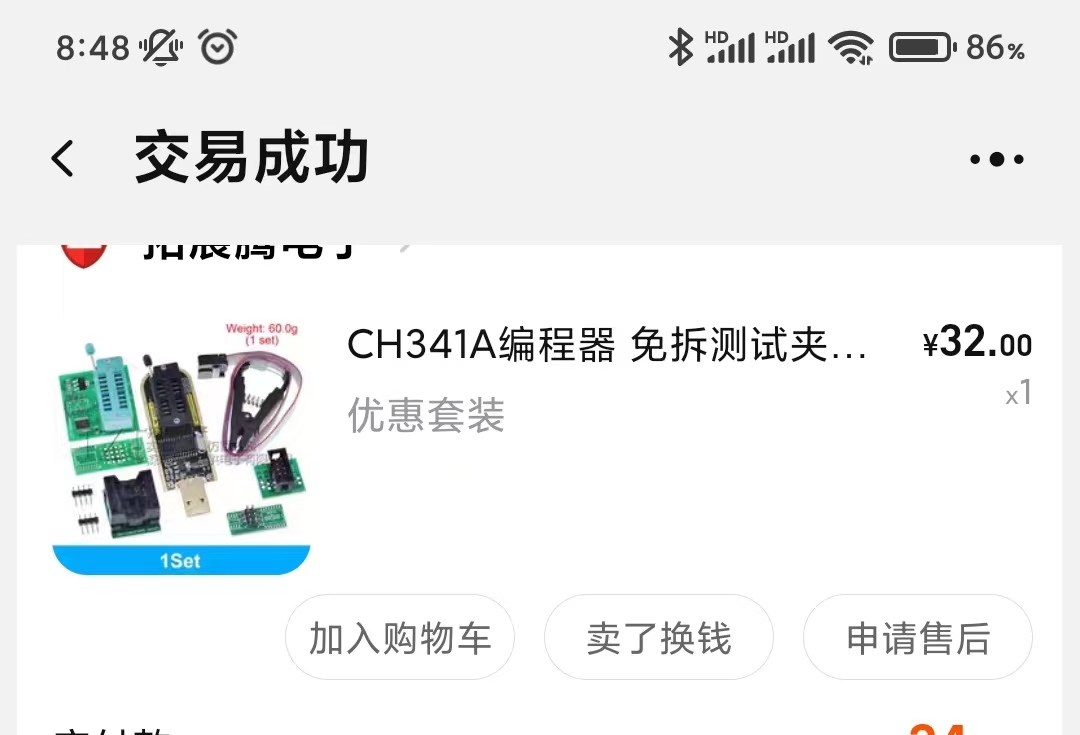
The price was still reasonable. As soon as the thing arrived I started taking the router apart; the screws are truly bizarre, and it took me ages to get them off.

Then I searched online for CH341A programmer flashing software. Extract the downloaded software package.
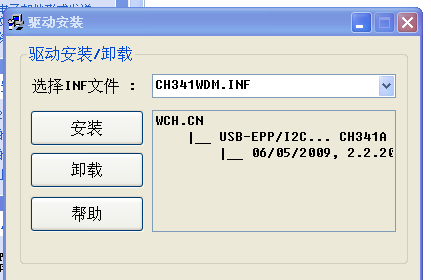
- Install the driver first
Open the - programmer driver manual installation folder
- Open
- Click install
It reports that the driver was installed successfully
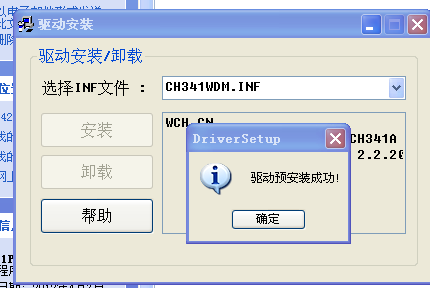
*Installing the TTL driver is the sameOpen the software folder
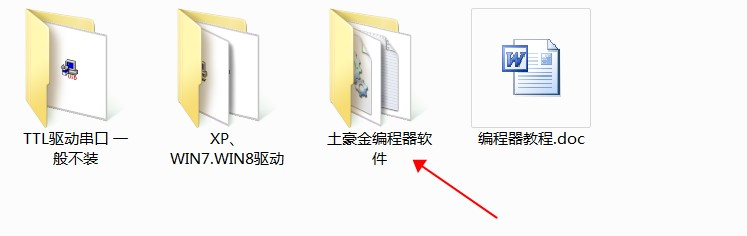
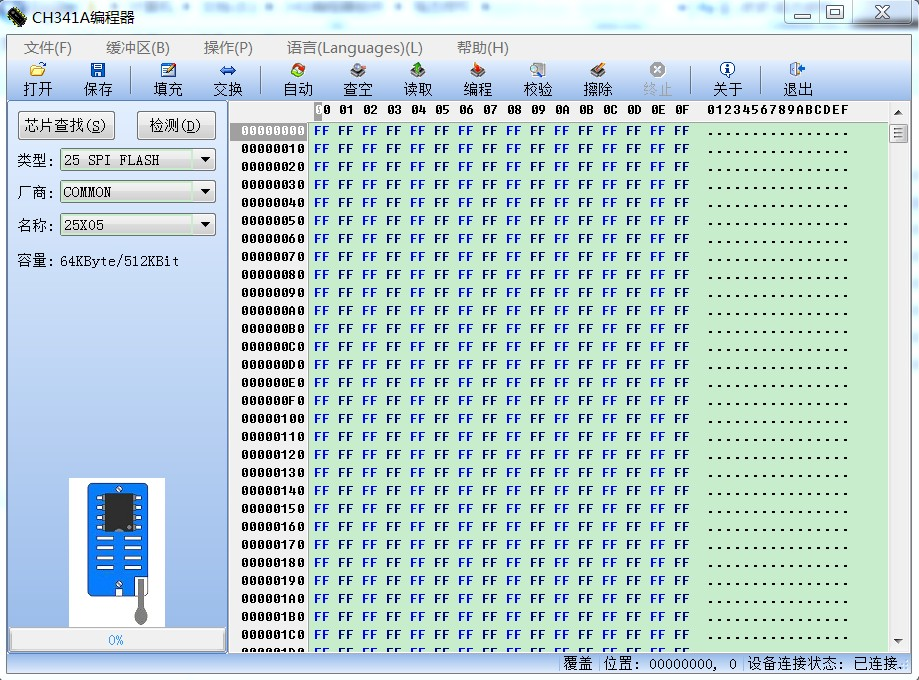
- Open the CH341A.exe program and plug in the programmer
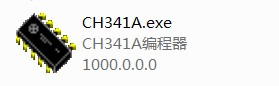
- If the bottom-right corner of the software shows connected, it means the driver was installed successfully
- Install it with the CH341A programmer I bought
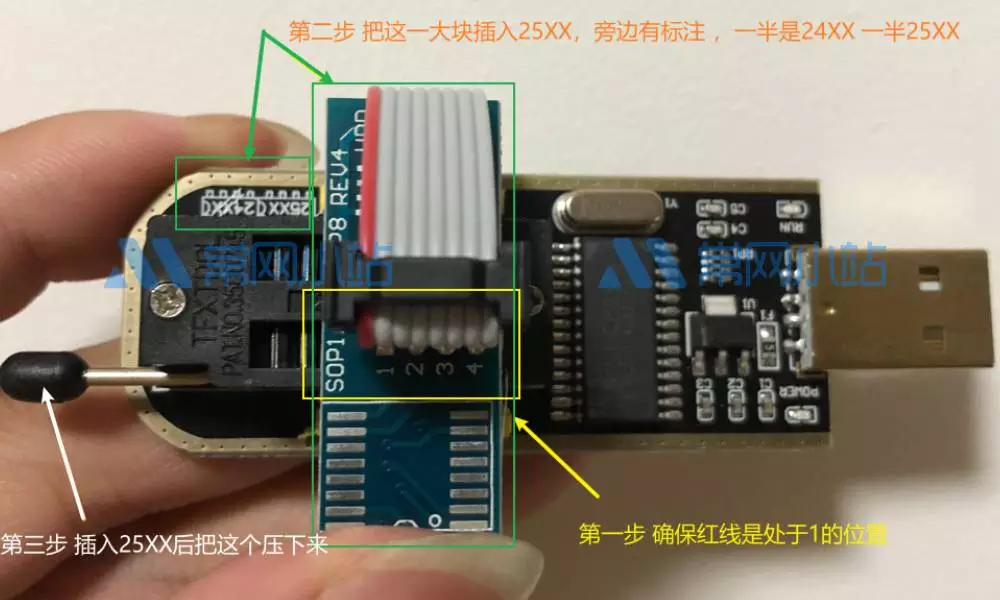
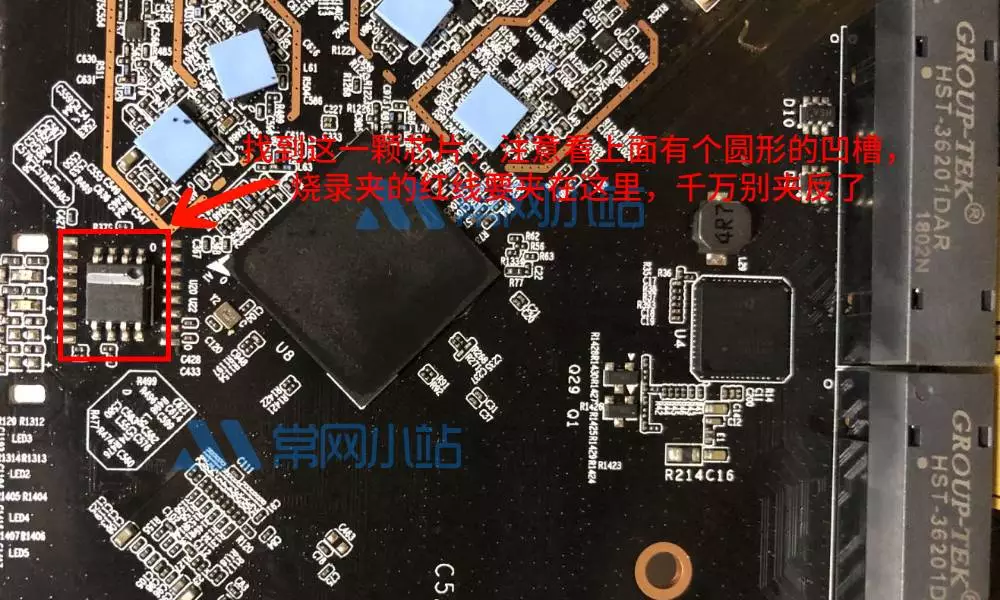
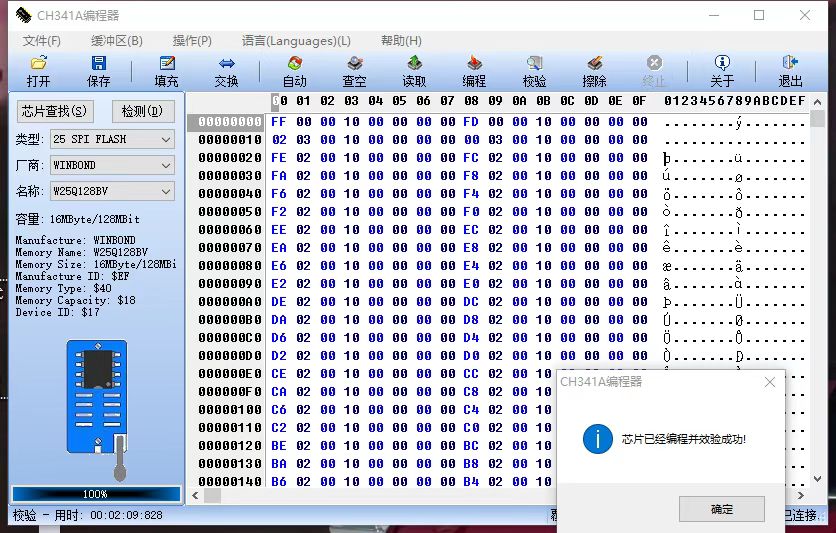
- Press the software’s detect button. If it cannot detect anything or the model does not match, manually select your model. It shows chip 25T80 detected
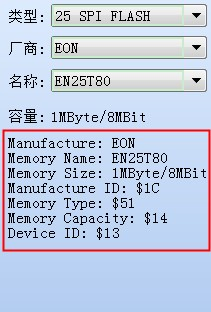
Once the chip is recognised normally, we carry out the operations of the buttons at the top in order: Erase – Blank check – Open – Select file “HC5761A-sysupgrade-20170606-abe3b35e.bin” – Program – Verify